
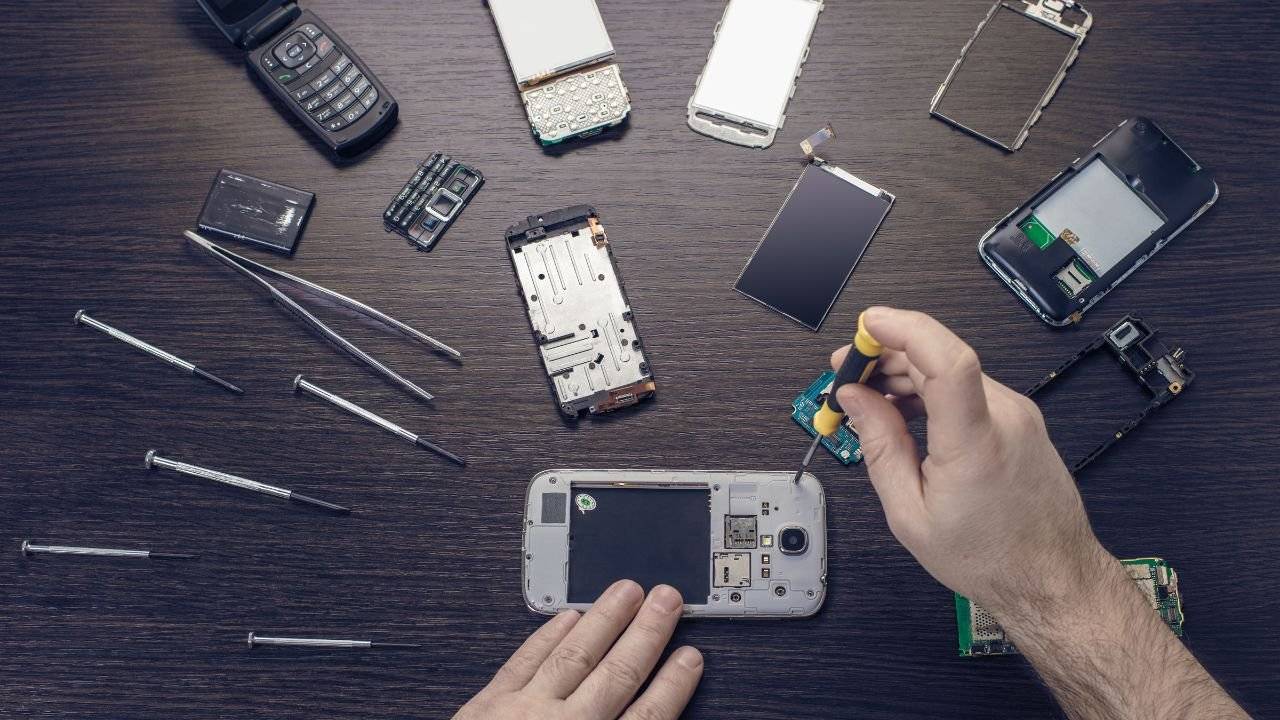
Mobile phones are a big part of our daily lives. We use them for calls, messages, social media, and even work. But sometimes, they stop working the way they should. A broken screen, a phone that won’t charge, or a speaker that won’t play sound—these common mobile phone issues can be frustrating!
In this guide, we’ll talk about some of the most common phone issues and how to fix them. Some problems have quick solutions, while others might need a professional mobile phone repair.
Table of Contents
1. Cracked or Broken Phone Screen
One of the most common problems is a cracked phone screen. It happens when the phone drops or gets hit by something hard. Even a small crack can get worse over time, making the phone harder to use.
How to Fix It:
- If the screen has a small crack but still works, you can use a screen protector to prevent further damage.
- For major cracks or unresponsive touch, screen replacement is the only solution. A professional mobile phone repair shop like iRepair Mobiles Eastbourne – Best Mobile Phone and Laptop Repair Shop in Eastbourne can fix it quickly.
2. Phone Not Charging
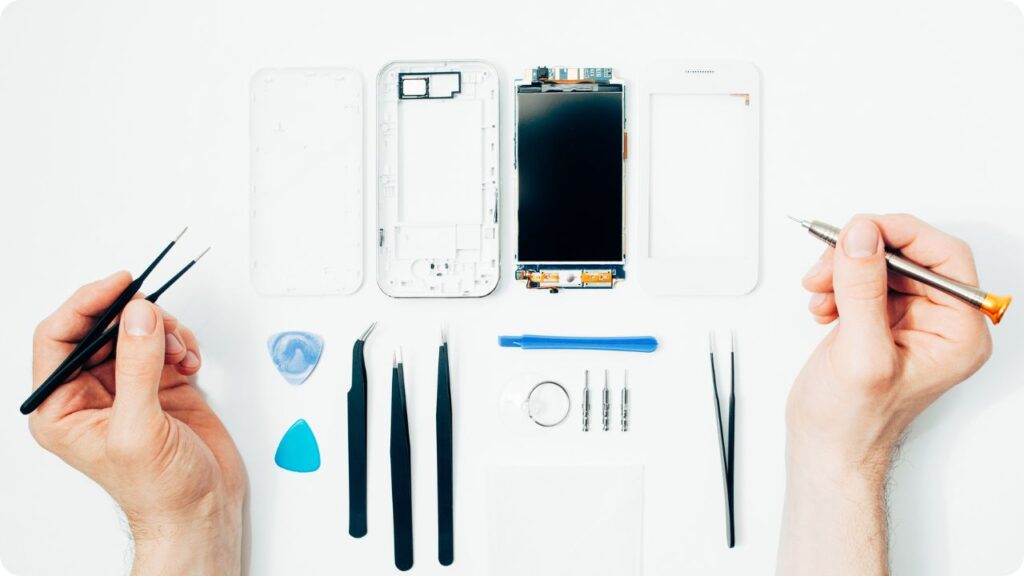
If your phone isn’t charging, it could be due to many reasons. The charging cable or adapter might be damaged, or there might be a problem with the charging port.
How to Fix It:
- Try a different charger: Sometimes, the issue is with the charging cable or adapter.
- Clean the charging port: Dust and dirt can block the connection. Use a small brush or toothpick to clean it carefully.
- Restart your phone: A simple restart can sometimes fix software issues stopping the charging process.
- Check for software updates: Outdated software can sometimes cause charging problems.
If none of these work, the problem could be with the battery or charging port, and it may need professional repair.
3. Phone Speaker Not Working
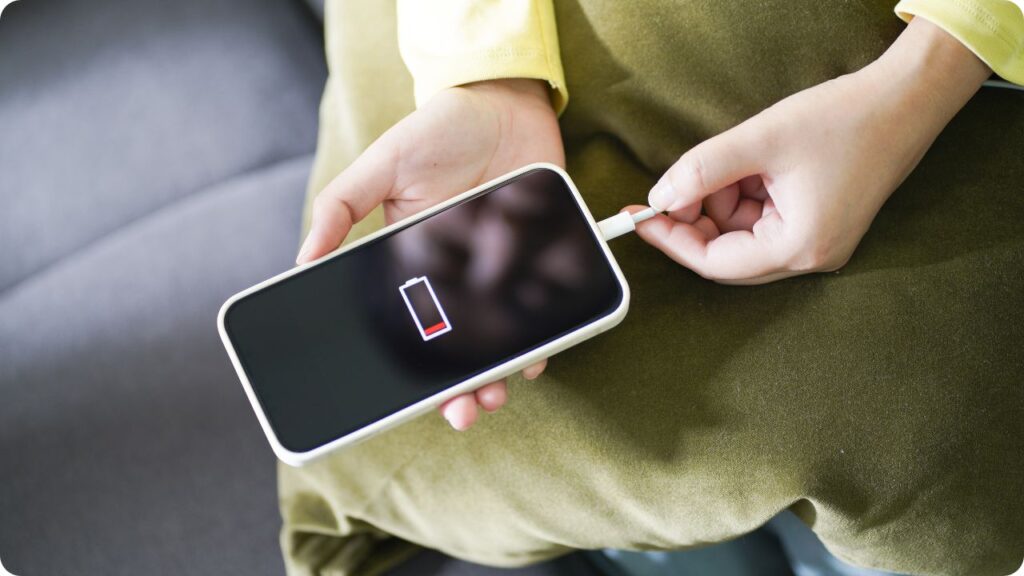
If you can’t hear anything from your phone’s speaker, it might be due to dust buildup, software issues, or hardware damage.
How to Fix It:
- Restart the phone: This can reset sound settings and fix minor glitches.
- Check the volume settings: Make sure your phone is not on silent mode.
- Clean the speaker area: Dust and dirt can block the sound. Use a soft brush or compressed air.
- Test with headphones: If sound works through headphones but not the speaker, there might be a hardware issue.
A faulty speaker may need replacement, which can be done by a professional repair shop Like iRepair Mobiles – Best Mobile Phone and Laptop Repair Shop in Eastbourne.
4. Overheating Issues
Sometimes, phones get too hot, especially when playing games or using apps for a long time. This can be bad for the battery and internal parts of the phone.
How to Fix It:
- Close unused apps: Running too many apps at once can heat up the phone.
- Keep your phone away from heat sources: Don’t leave it in direct sunlight or near hot surfaces.
- Turn on battery saver mode: This helps reduce phone activity and keeps it cool.
If your phone overheats even when you’re not using it much, the battery or processor might need a checkup.
5. Phone Running Slowly
A slow phone can be annoying, especially when opening apps or browsing the internet. This usually happens due to too many apps running, not enough storage, or outdated software.
How to Fix It:
- Restart your phone: This helps refresh the system.
- Delete unused apps and files: Freeing up storage space can make the phone run faster.
- Update your software: The latest updates often fix performance issues.
If the phone is still slow, it might be an old device that needs a battery replacement or an upgrade.
6. Poor Battery Life
Is your phone’s battery draining too fast? This can happen if you use it for long hours or if the battery is getting old.
How to Fix It:
- Lower the brightness: High screen brightness uses more battery.
- Turn off background apps: Some apps keep running even when you’re not using them. Close them to save power.
- Enable battery saver mode: This helps your battery last longer.
- Replace the battery: If your phone is old, the battery may need to be replaced by a mobile phone repair expert.
7. Touchscreen Not Responding
If your touchscreen is lagging, freezing, or not responding, it might be due to software glitches or screen damage.
How to Fix It:
- Restart the phone: This can fix temporary screen issues.
- Remove the screen protector: A thick screen protector can affect touch sensitivity.
- Update your phone’s software: New updates can fix touchscreen problems.
- Check for cracks: If the screen is cracked, the touch might not work properly. A replacement is needed in this case.
8. Phone Storage Full
If your phone keeps saying “Storage Almost Full,” it might slow down and prevent new apps or photos from being saved.
How to Fix It:
- Delete unused apps and files: Remove things you don’t need.
- Clear app cache: Some apps store extra data that takes up space. Clearing the cache helps.
- Use cloud storage: Services like Google Drive or iCloud can store your photos and videos online.
- Move files to an SD card or computer: If your phone supports an SD card, use it for extra storage.
When to Visit a Phone Repair Shop For Common Mobile Phone Issues
Some phone issues can be fixed at home, but others need expert help. If your phone has serious screen damage, won’t turn on, or has internal issues, it’s best to visit a professional mobile phone repair shop.
At iRepair Mobiles Eastbourne – Best Mobile Phone and Laptop Repair Shop in Eastbourne, we offer fast and reliable repairs for all phone problems, including cracked screens, battery replacements, speaker issues, and charging problems.
Why Choose iRepair Mobiles Eastbourne?
- Expert Technicians
- Quick & Affordable Repairs
- High-Quality Parts
- Warranty on Repairs
Final Thoughts
Phones are essential, and keeping them in good shape is important. While minor issues like slow speed, low storage, or sound problems can be fixed at home, serious problems need professional repair.
If you need mobile phone repair in Eastbourne, visit iRepair Mobiles – Best Mobile Phone and Laptop Repair Shop in Eastbourne for expert service. Don’t let phone issues slow you down—get them fixed today!